
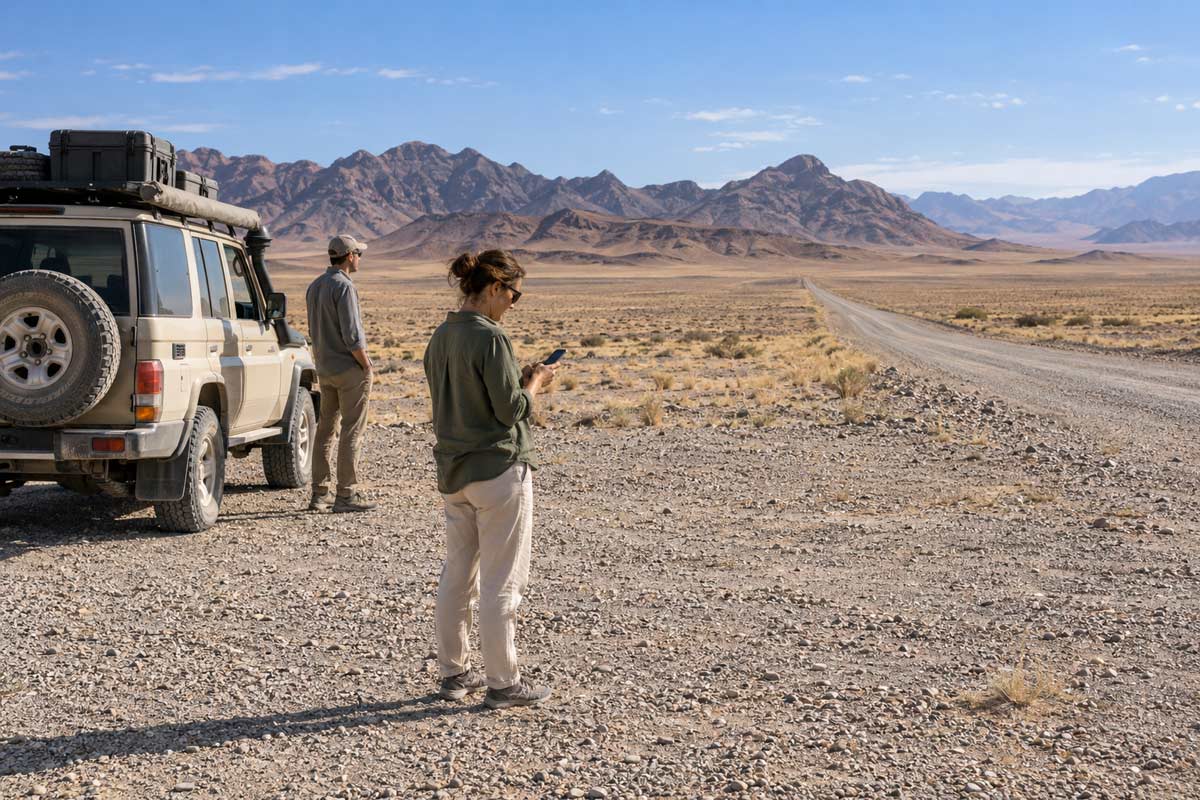
TravelSafe SOS requires a working internet connection for an SOS alert to reach the control centre. This connection may come from mobile data or an available Wi-Fi network. If there is no usable connection, the control centre cannot receive the alert or begin coordinating a response.
Your phone may still identify and display your GPS location when mobile coverage is unavailable. However, establishing your location and transmitting that information are two different functions.
Imagine stopping beside an isolated road in Namibia after a passenger develops severe chest pain. Your phone displays your position, but there is no usable mobile data connection. You know where you are, yet your SOS alert cannot reach the TravelSafe SOS control centre.
The immediate priority is to manage the medical emergency, record the location and try every available communication method. If connectivity becomes available, check the app and confirm that the SOS alert has transmitted successfully.
TravelSafe SOS does not create mobile coverage or provide its own satellite connection. It provides a prepared emergency pathway when an alert successfully reaches the control centre.
Does GPS Work Without Mobile Coverage?
GPS and mobile connectivity are not the same service.
A compatible phone receives signals from positioning satellites and uses them to calculate its location. In many circumstances, it can continue showing coordinates even when there is no mobile network.
This does not mean the phone can send information through those satellites. A standard smartphone app requires a supported communications pathway, such as mobile data or Wi-Fi, to transmit an emergency alert.
The simplest explanation is:
GPS can help establish where you are. Connectivity is required to tell somebody else.
If your phone displays coordinates but cannot transmit an alert, write them down or take a screenshot. You may be able to provide that information through an SMS, voice call, radio, satellite communicator or another traveller’s working phone.
Knowing where you are does not automatically mean the control centre knows where you are.
What Counts as a Working Connection?
Mobile coverage varies considerably across Africa. It may be strong in a city, town or established tourism area and intermittent along rural roads, wilderness routes, mountains, parks and isolated coastlines.
TravelSafe SOS operates across its supported destinations in Southern and East Africa, but connectivity differs between countries, regions and individual routes.
Where TravelSafe SOS operates in Africa
A phone displaying network bars does not necessarily have enough usable data to transmit an app alert. The connection may be unstable, congested or limited to voice calls. In other circumstances, a normal call may fail while a data message or SMS can still be sent.
Do not rely on one communication method during an emergency. Try the available options, including mobile data, a voice call, SMS and Wi-Fi. If one network is unavailable, a guide, driver, lodge employee or nearby traveller may have access to another network or communication system.
Coverage may also disappear and return along the same route. This is why an unsuccessful SOS attempt must never be treated as confirmation that help has been alerted.
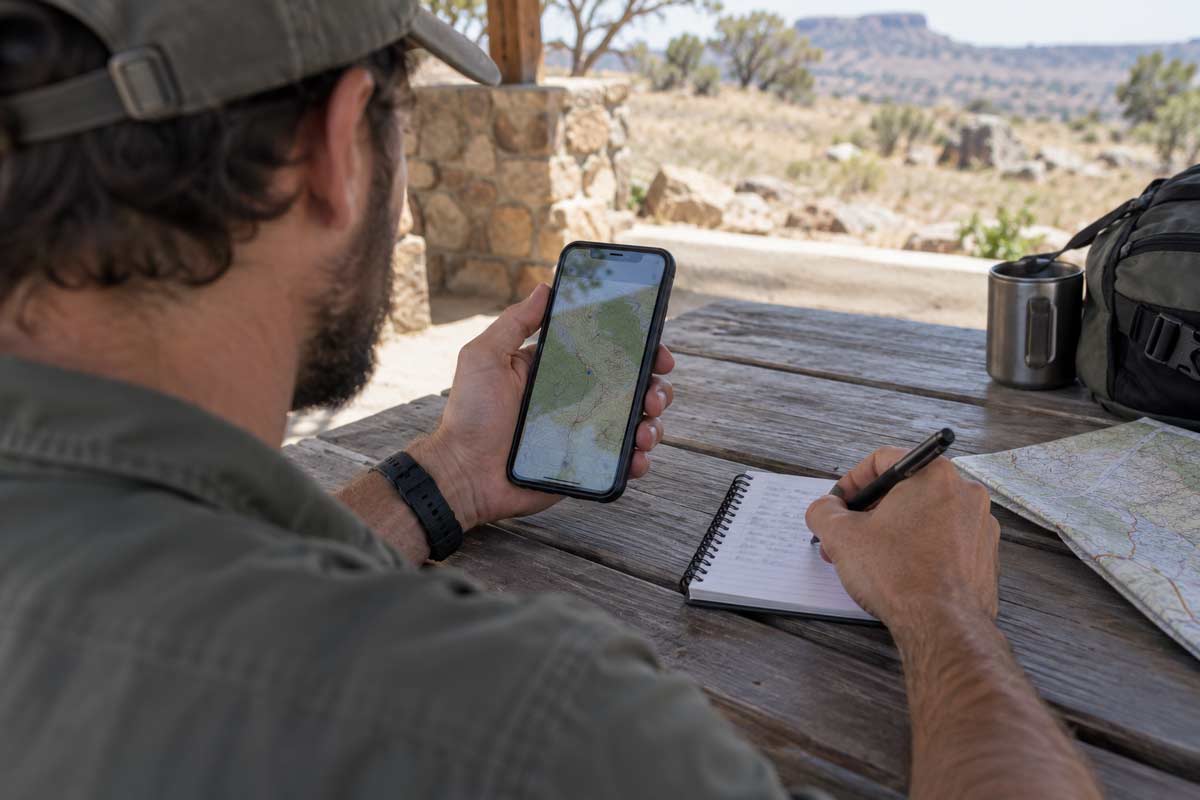
What Should You Do If the Alert Does Not Transmit?
The control centre cannot respond to an alert it has not received. If an SOS attempt is unsuccessful:
- Check that mobile data is switched on.
- Check whether the phone has connected to usable Wi-Fi.
- Try sending an SMS or making a voice call.
- Record or screenshot the GPS coordinates.
- Ask the driver, guide, lodge or another traveller for assistance.
- Use a radio or satellite communicator if one is available.
- Move toward connectivity only when doing so is necessary and safe.
- Preserve phone and power-bank batteries.
- Keep the phone protected from rain, water and excessive heat.
Do not leave an injured person alone unless obtaining help requires someone to move and this can be done safely. In an isolated area, separating the group may create an additional emergency.
If there is an immediate medical or security danger, manage that threat first. Provide first aid within your level of training, follow the guide or operator’s emergency procedures and use any available local communication system.
Will the SOS Alert Send When Coverage Returns?
Do not assume that an earlier alert attempt will automatically transmit when connectivity returns.
If mobile data or Wi-Fi becomes available, reopen or check TravelSafe SOS and confirm that the SOS alert has been sent successfully. Remain available for contact if circumstances permit because the control centre may attempt to call or message you to establish what has happened.
A failed transmission does not tell the control centre that you are in danger. It also does not allow the control centre to track your location.
This limitation is why low-connectivity travel requires preparation beyond downloading an app. Travellers should understand where coverage is expected, carry backup power, save emergency contacts offline and ask what communication equipment their guide or operator carries.
Can TravelSafe SOS Use Wi-Fi?
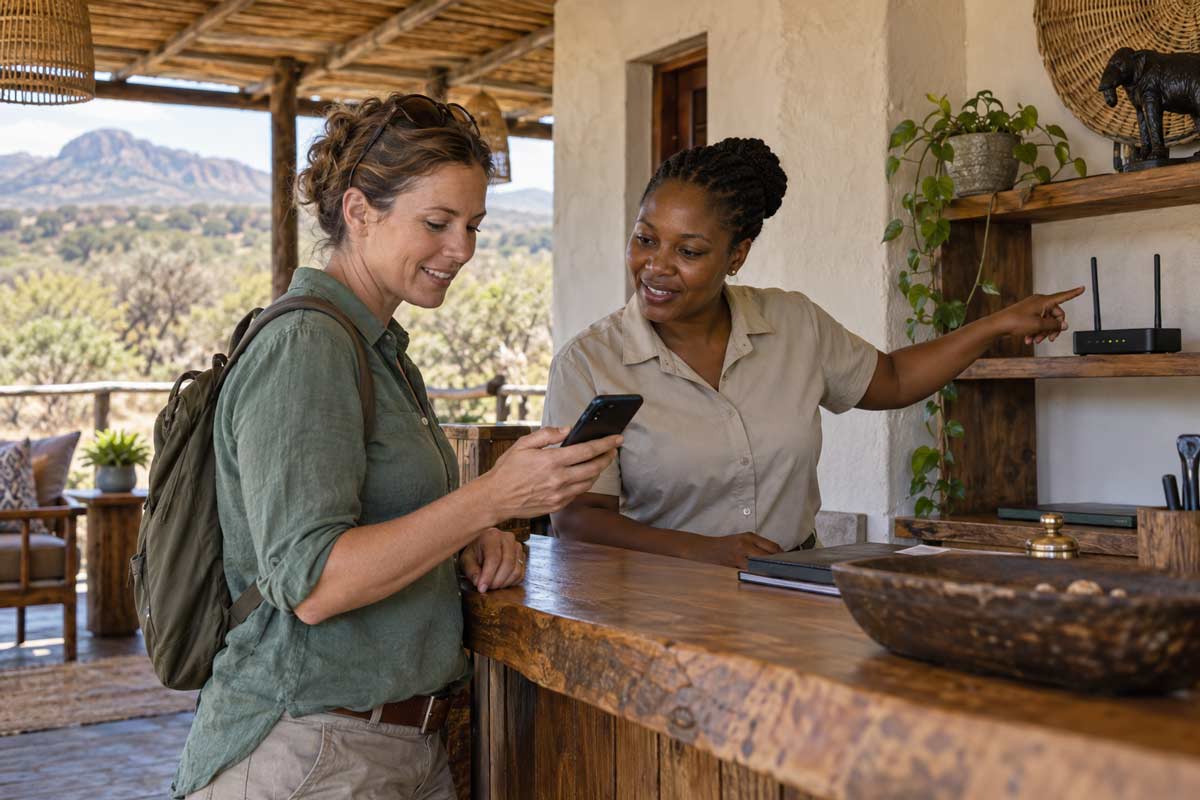
A working Wi-Fi connection may allow TravelSafe SOS to transmit an alert when cellular data is unavailable.
Wi-Fi may be available at a lodge, camp, airport, service station, restaurant or other facility. Some remote accommodation providers also use satellite-based internet services such as Starlink to provide local Wi-Fi.
For more information, read our guide to using Starlink in remote parts of Africa.
Public or lodge Wi-Fi should never be treated as guaranteed emergency infrastructure. Electricity failures, equipment problems, severe weather or service interruptions may affect availability. A Wi-Fi network may also appear on the phone without providing a functioning internet connection.
Confirm that the app has successfully transmitted the alert. Seeing a Wi-Fi symbol is not proof that the TravelSafe SOS control centre has received it.
TravelSafe SOS cannot create connectivity where none exists. Its value begins when the alert successfully reaches the control centre and connects the emergency with a prepared response pathway.

What Should You Do During a Complete Communications Blackout?
If you have no mobile data, voice service, SMS capability or working Wi-Fi, TravelSafe SOS cannot receive your alert. The control centre will not know that an emergency has occurred until somebody establishes communication through a working channel.
Your first priority is to manage the immediate danger. Provide first aid within your level of training, move away from a security threat where it is safe to do so and follow the emergency procedures of your guide, driver, lodge or tour operator.
Then:
- Record the GPS coordinates displayed on the phone.
- Try mobile data, a voice call and SMS separately.
- Check whether another network is available.
- Look for a safe location with working Wi-Fi.
- Use a guide radio or satellite device if available.
- Contact a nearby lodge, park authority, police post or tour operator.
- Conserve phone and power-bank batteries.
- Confirm that an emergency message has been received.
Do not repeatedly attempt calls until the battery is exhausted. Reduce screen brightness, close unnecessary applications and protect the phone from water, dust and excessive heat.
Avoid separating the group unless seeking help is necessary and can be done safely. If one person must leave, agree on the route, destination, expected return time and what the remaining group should do if that person does not return.
Should Remote Travellers Carry a Satellite Communicator?
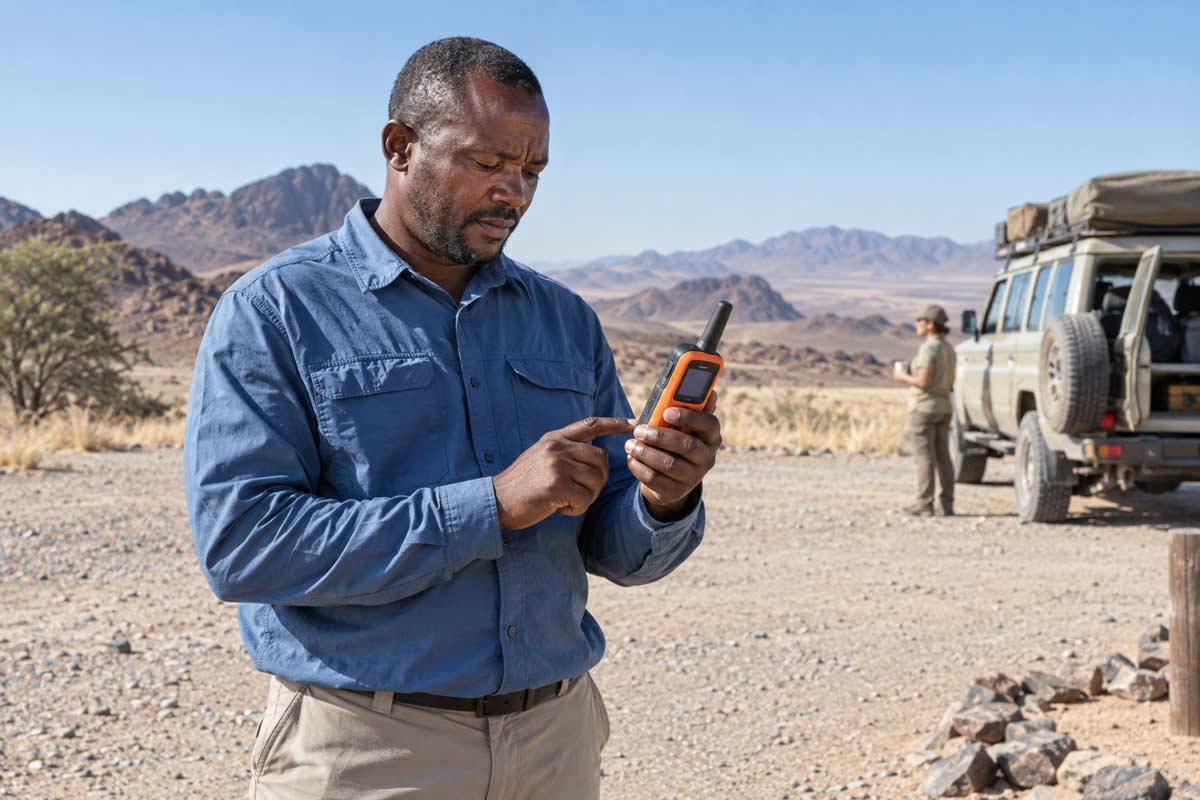
A satellite communicator should be considered when travelling through areas where conventional connectivity may be absent for extended periods.
This is particularly relevant for:
- Remote self-drive routes
- Multi-day hiking expeditions
- Wilderness safaris
- Desert crossings
- Mountain journeys
- Marine and island trips
- Isolated coastal routes
- Areas far from towns, lodges or regular traffic
A satellite communicator and TravelSafe SOS perform different functions. A compatible satellite device may provide an alternative method of sending an emergency message when terrestrial mobile and Wi-Fi networks are unavailable. TravelSafe SOS provides a registered emergency profile and a control-centre coordination pathway when an alert successfully reaches it.
Some newer smartphones include separate satellite emergency features. Availability depends on the device, operating system, country, service provider and supported region. A feature that works in the United States or Europe must not be assumed to work during an African journey.
Apple Emergency SOS via satellite availability
Google Pixel Satellite SOS guidance
A smartphone’s satellite emergency feature is not part of TravelSafe SOS and does not automatically send an alert to the TravelSafe SOS control centre.
Why Does Registration Still Matter?
A connectivity limitation does not make advance registration unnecessary. It makes preparation more important.
Complete your TravelSafe SOS profile while you have a reliable connection. Include:
- Relevant medical conditions
- Current medication
- Allergies
- Travel-insurance details
- Medical-assistance provider
- Travel agent
- Nominated next of kin
- Current accommodation
- Tour operator, driver or guide
- Planned route and itinerary
If an alert later reaches the control centre, this information provides a stronger starting point for assessing the incident and coordinating appropriate available assistance.
Your profile should be accurate and current. A previous holiday itinerary, expired insurance policy or outdated family contact can delay communication when time matters.
TravelSafe SOS does not continuously track a traveller whose location has not been transmitted. Registration does not allow the control centre to know automatically that something has gone wrong. It means essential supporting information is available after an emergency is reported successfully.
What Happens When the Alert Reaches the Control Centre?
When an SOS alert transmits successfully, the TravelSafe SOS control centre can begin the response process.
The sequence may include:
- Receiving the transmitted SOS alert.
- Reviewing the available location and registered profile details.
- Attempting to contact the traveller.
- Establishing what has happened.
- Assessing the apparent nature and urgency of the emergency.
- Identifying appropriate available medical, security or operational assistance.
- Contacting relevant local responders, accommodation providers or tour operators.
- Connecting with the traveller’s insurer or medical-assistance provider where required.
- Alerting the registered travel agent and nominated next of kin according to the applicable procedures.
- Supporting coordination through the appropriate local and insurance pathways.
How the TravelSafe SOS control centre responds
This does not guarantee that an ambulance, rescue team or evacuation aircraft will be available immediately. Response times may be affected by location, weather, road conditions, local capacity and the nature of the incident.
A serious medical case may require transfer to a more appropriate facility or consideration of evacuation. This is why comprehensive insurance and suitable medical-evacuation cover remain essential.
Emergency medical evacuation in Africa
TravelSafe SOS does not replace local emergency services, insurance, a guide, a tour operator or a satellite communicator. It helps connect the emergency with a prepared coordination pathway after the alert has been received.
Why Does Your Itinerary Matter?
If you cannot communicate, your itinerary may help establish where you were expected to be.
The useful information could include:
- Your departure point and destination
- The road or route you intended to follow
- Your planned overnight stops
- Your guide, driver or vehicle details
- Your lodge or camp
- Your expected arrival time
- Any scheduled check-ins
This information does not provide live tracking when no location has transmitted. However, if a family member, travel agent, operator or accommodation provider reports that you are overdue, the itinerary may help narrow the area in which enquiries should begin.
Before entering an area with unreliable connectivity, agree on scheduled check-ins and a missed-check-in procedure. Your nominated contact should know when a delay becomes sufficiently unusual to contact the tour operator, accommodation or emergency assistance provider.
Prepare Before Entering a Low-Connectivity Area
Before leaving reliable coverage:
- Download and activate TravelSafe SOS.
- Complete your emergency profile.
- Add your medical and medication information.
- Register your insurer and medical-assistance provider.
- Add your travel agent and nominated next of kin.
- Enter your current itinerary and accommodation.
- Ask where mobile coverage is expected.
- Confirm what communication equipment the operator carries.
- Download maps for offline use.
- Save emergency numbers and important contacts offline.
- Charge your phone fully.
- Carry appropriate backup power.
- Protect devices from water, dust and heat.
- Consider a satellite communicator for genuinely remote travel.
- Agree on check-in times and missed-check-in procedures.
- Confirm that any SOS alert has transmitted successfully.
The countries supported by TravelSafe SOS include destinations across Southern and East Africa, but coverage by the service must not be confused with mobile-network availability along every route.
Where TravelSafe SOS operates in Africa
Register Before You Leave Mobile Coverage
Do not wait until you reach an isolated road, wilderness trail or remote coastline to prepare for an emergency.
Download and register for TravelSafe SOS while you have reliable connectivity. Complete your medical, insurance, itinerary, travel-agent and next-of-kin information before departure.
Register for TravelSafe SOS before travelling
TravelSafe SOS cannot create a signal. It can create a prepared emergency pathway when your alert successfully reaches the control centre.
If connectivity returns during an emergency, the response should not have to begin with a search for your medical history, insurance provider, travel agent or family contact. That information should already be registered, accurate and ready to support the coordination process.